Press
Awning press kit
Everything needed to write about Awning: screenshots at full resolution, the app icon, descriptions at three lengths, and the facts. Take anything here without asking.
Download the kit ZIP, 21 MB Six screenshots at 2880×1800, the icon at every size, the mark as SVG, and the sharing card.
The facts
- Name
- Awning
- App Store name
- Awning – Menu Bar Calendar
- Category
- Productivity / Utilities
- Platform
- macOS 26.0 or later, Apple silicon and Intel
- Price
- $0.99, one time. No subscription, no in-app purchases
- Availability
- Mac App Store, worldwide
- Developer
- Keegan Lanier
- Publisher
- Redefined Creative LLC
- Privacy
- Data Not Collected. No analytics, no accounts, no server
- Contact
- [email protected]
Descriptions
Use whichever fits. No need to credit the copy.
25 words
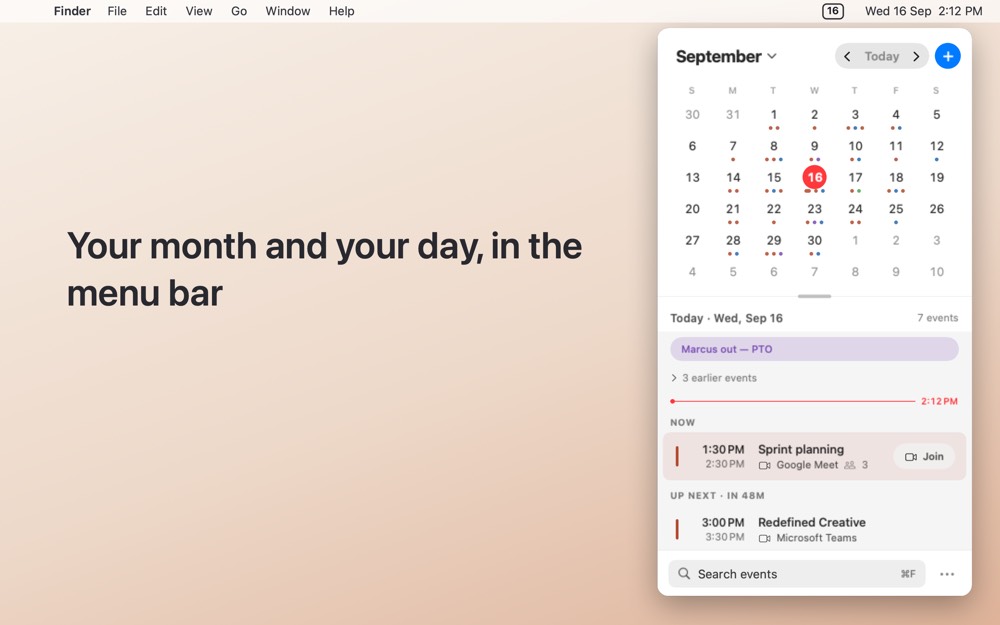
Awning puts a calendar in your Mac menu bar. Click the date: your month opens with today’s meetings under it, Join right on the row.
50 words
Awning puts a calendar in your Mac menu bar. Click the date and the month unfurls with today’s meetings underneath; drag the divider for a single week or a full month. It finds the video link in any event, puts a Join button on the row, and edits in place.
100 words
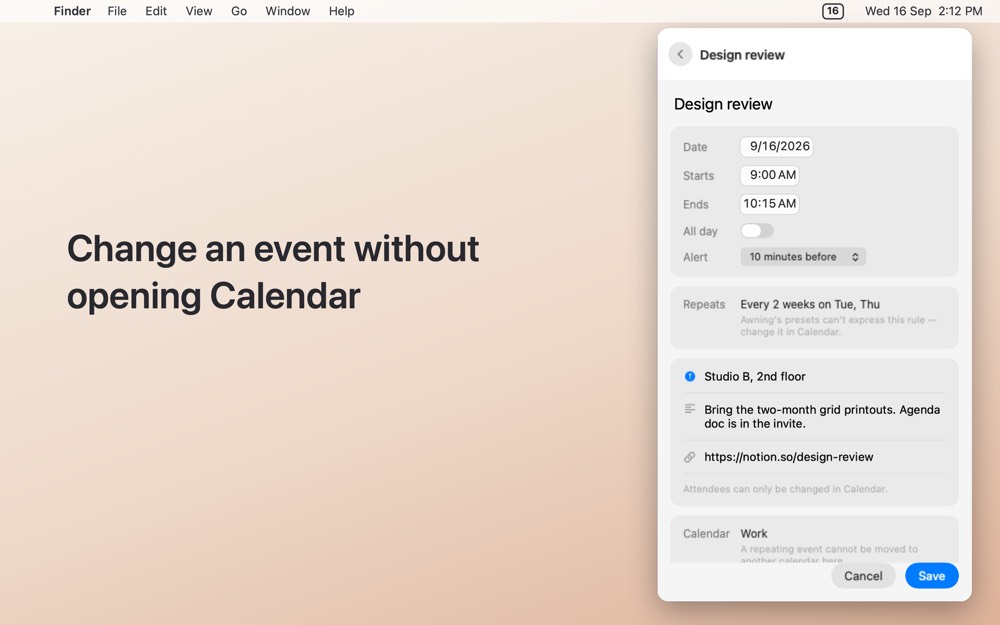
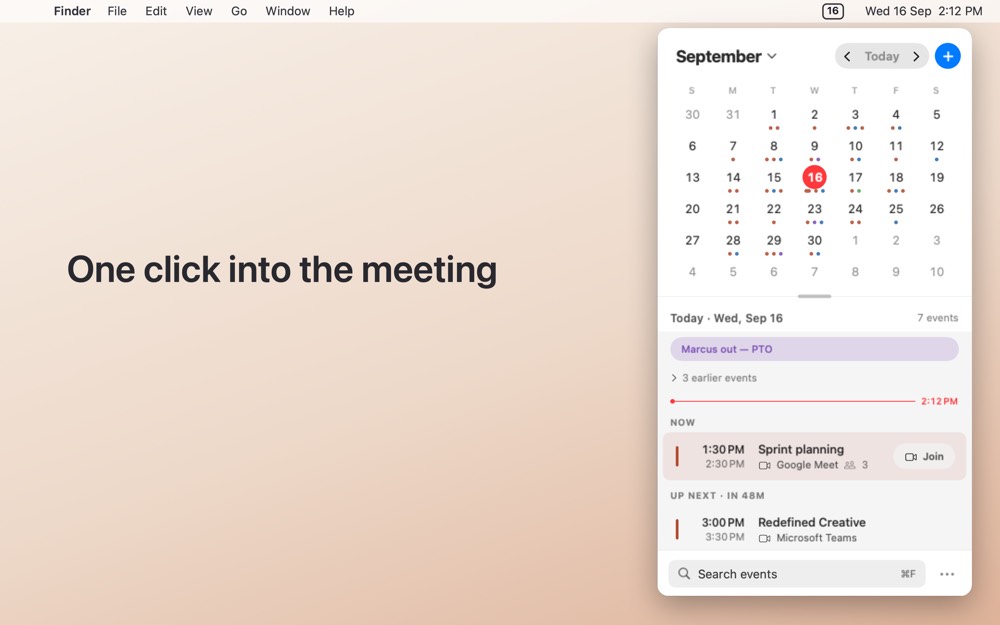
Awning is a menu bar calendar for macOS. Clicking the date in the menu bar opens Notification Centre, not a calendar, so Awning adds its own icon showing today’s date. Click it and a month grid unfurls with the selected day’s events beneath; drag the divider for a single week or a full month. Awning finds the video conferencing link inside an event — the URL field, the location, or buried in the notes — and puts a Join button right on the row. Events can be edited in place. It reads the calendars macOS already has and collects nothing.
Screenshots
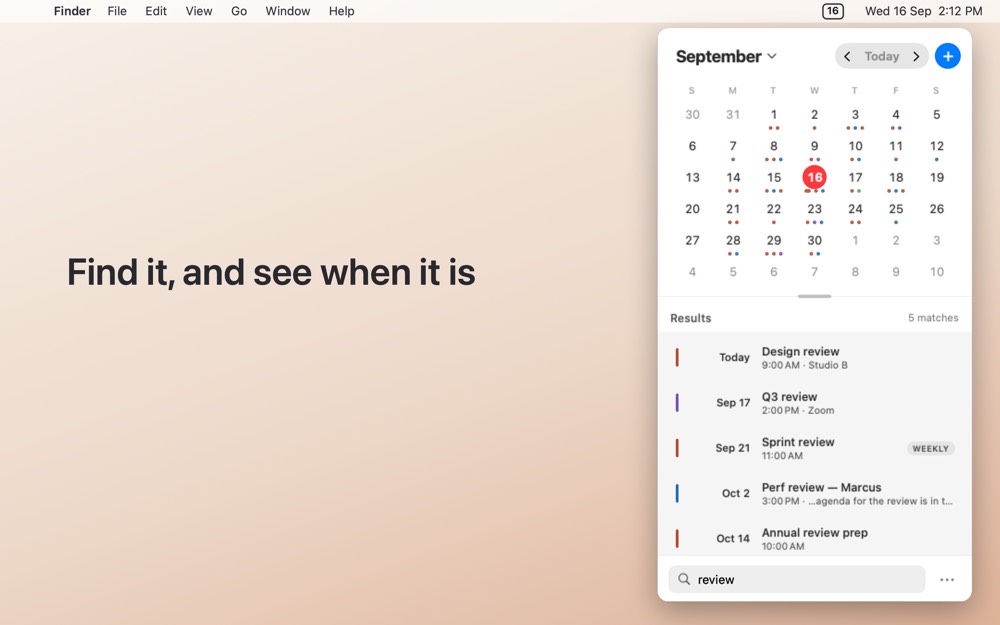
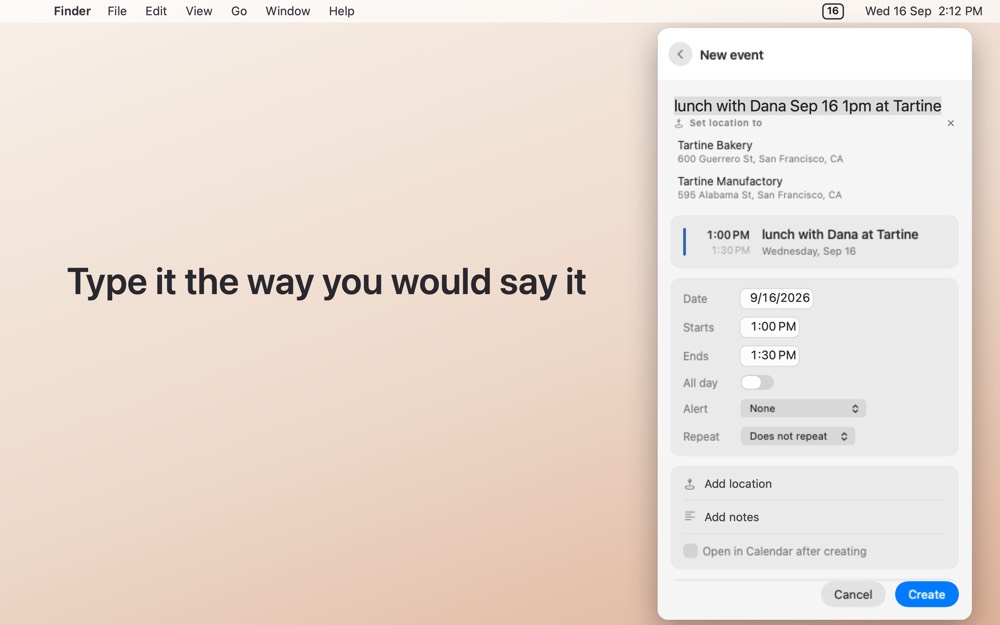
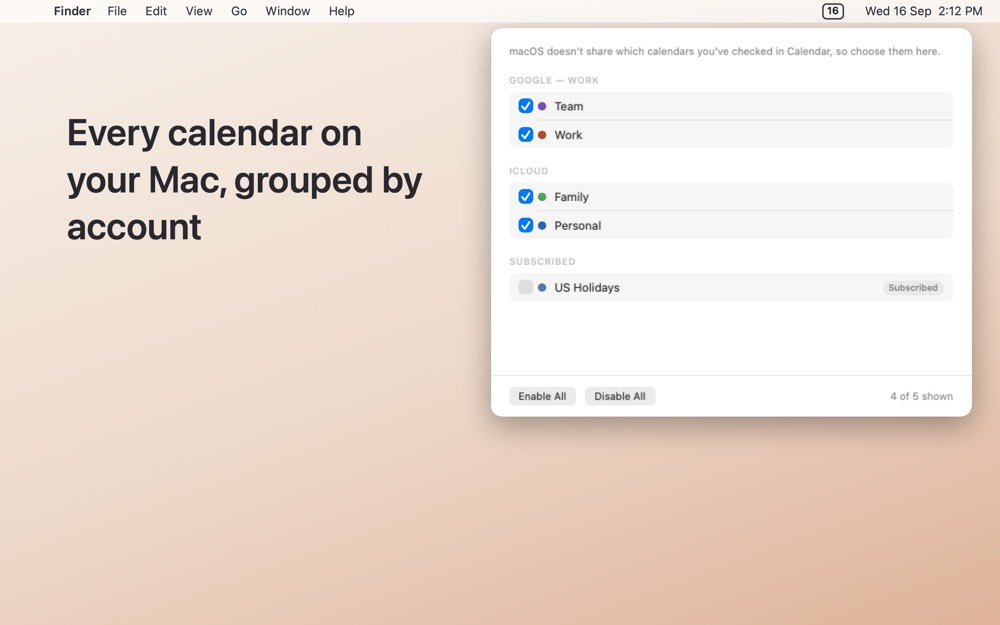
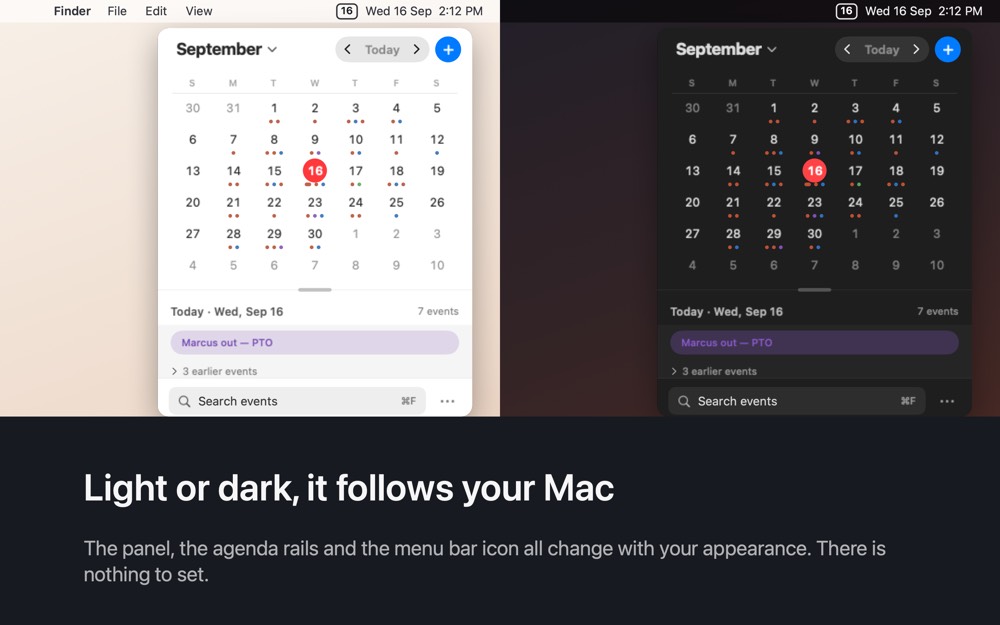
Previews below; the ZIP has all six at 2880×1800, PNG. Every calendar shown is fictional. No real person’s schedule appears in any Awning material.
Icon and mark
The developer
Awning is made by Keegan Lanier and published by Redefined Creative LLC. There is a one-minute video on the homepage of him explaining what it does and what it does not, which is usable in full or in part.
Review copies: email [email protected] and a Mac App Store promo code comes back the same day. No embargo conditions, no approval over what you write.
Boilerplate
Awning is a menu bar calendar for macOS from Redefined Creative LLC, released in 2026. It shows your month and your day one click from the menu bar, opens meetings from any calendar link it can find, and collects no data at all. It is a one-time purchase of $0.99 with no subscription.
Awning is an independent product. It is not affiliated with, endorsed by, or sponsored by Apple Inc. Zoom, Microsoft Teams, Google Meet and Webex are trademarks of their respective owners and are named only to describe the meeting links Awning can open.